


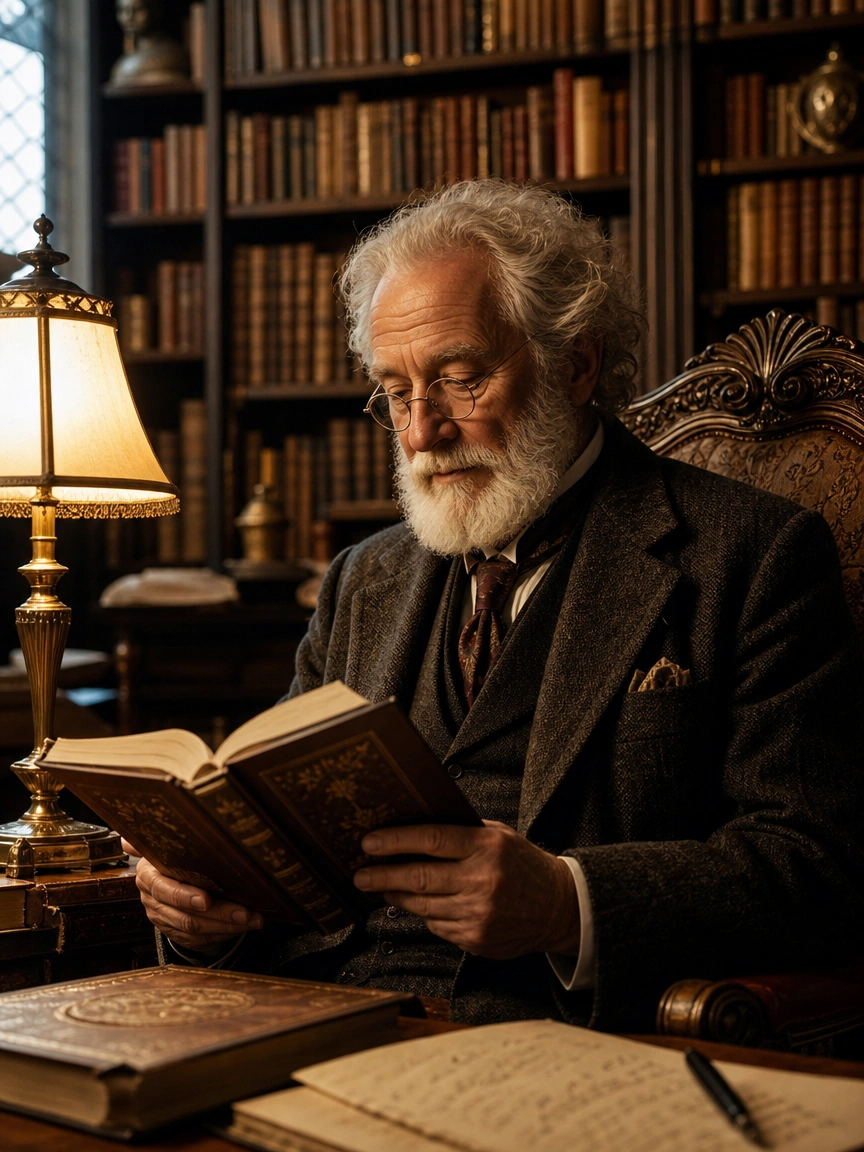
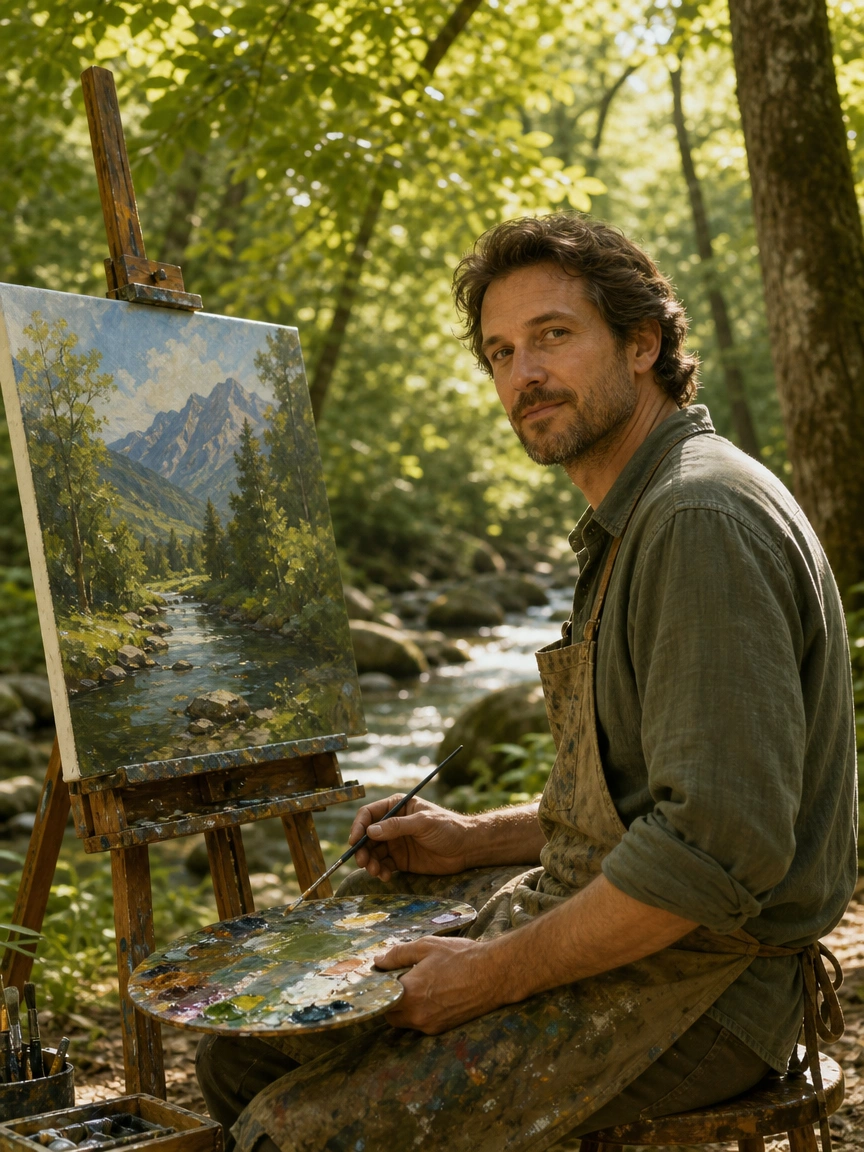
AI Image Generator — Free Online
LucerImage is an AI image generator built for creators who want polished stills — generate, edit, and download images in one simple workflow.
One account, one credit wallet, and clear steps from upload to preview.
One Workspace for AI Images
LucerImage brings reference-based editing and generation together — upload photos, steer with natural language, and iterate until the preview matches your vision.
AI Image Workspace
Use one or more reference images, steer with text, select an image model, and download outputs when the preview matches your intent.
Prompt-First Control
Natural language does the heavy lifting — refine lighting, style, outfit, or composition without chaining dozens of manual sliders.
Credits You Can Plan Around
Each run shows what it costs; sign in to see your balance and top up on Pricing when you scale up image batches.
Why Use LucerImage
A free AI image generator that puts image quality first — with a simple workflow and no extra apps required.
How It Works
Four simple steps from photo to finished image:
Open AI Image to Image
Go to the workspace from the home gallery or navigation — everything you need is on one page.
Add references and prompt
Upload your photo(s), then describe what should change — style, lighting, outfit, background, or mood.
Pick a model and generate
Select the image model that fits your brief, confirm credits, and run — keep the tab open until completion.
Preview and download
Review the result inline, tweak your prompt if needed, and download when you are happy.
What You Get
AI image generation and photo editing — designed for creators who want polished stills under one LucerImage account.
Home effect gallery
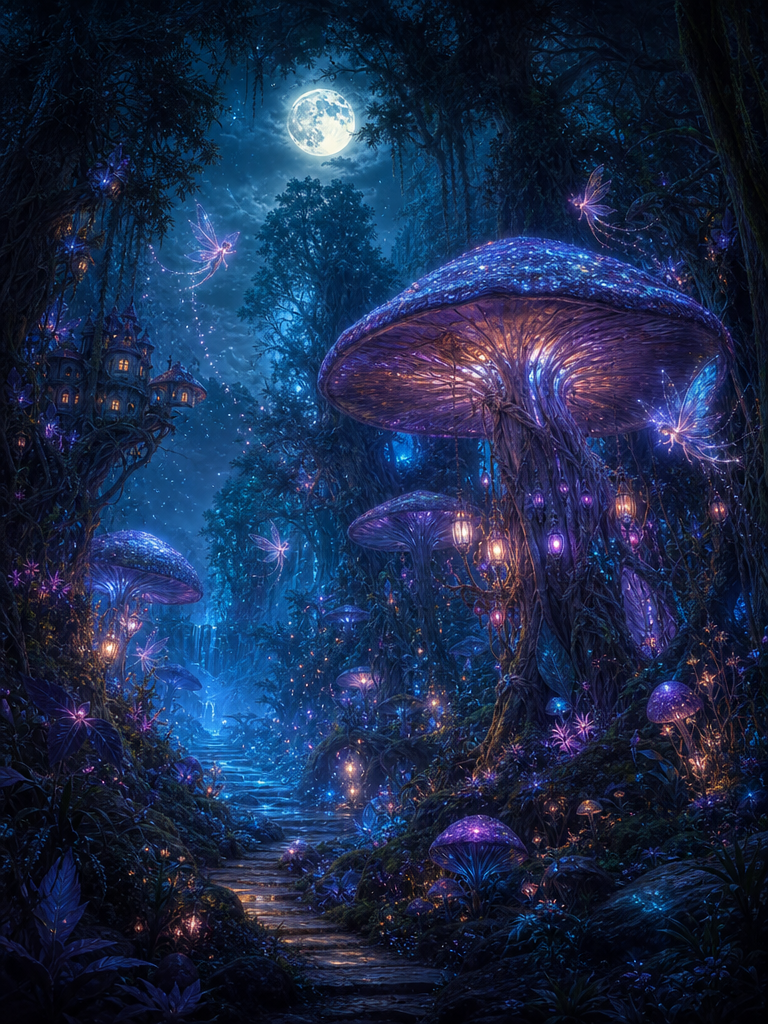
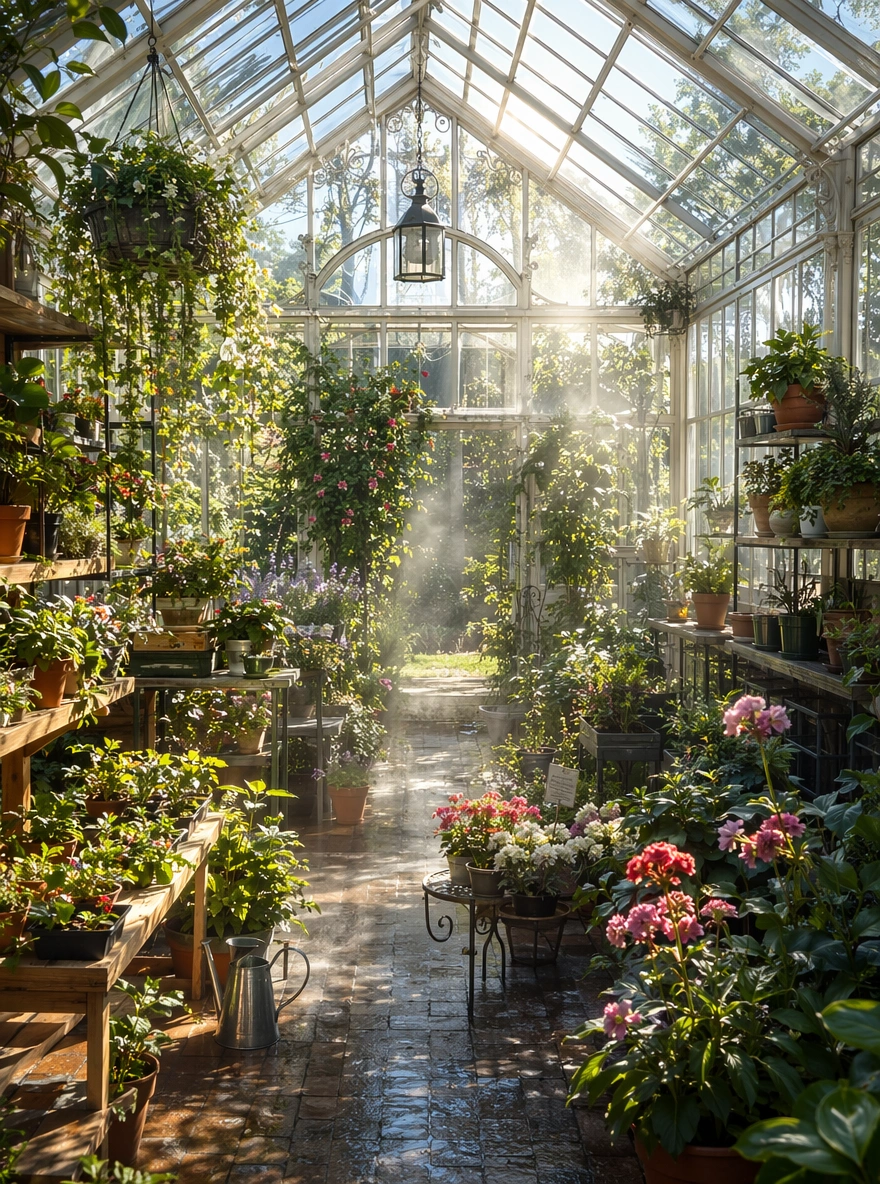
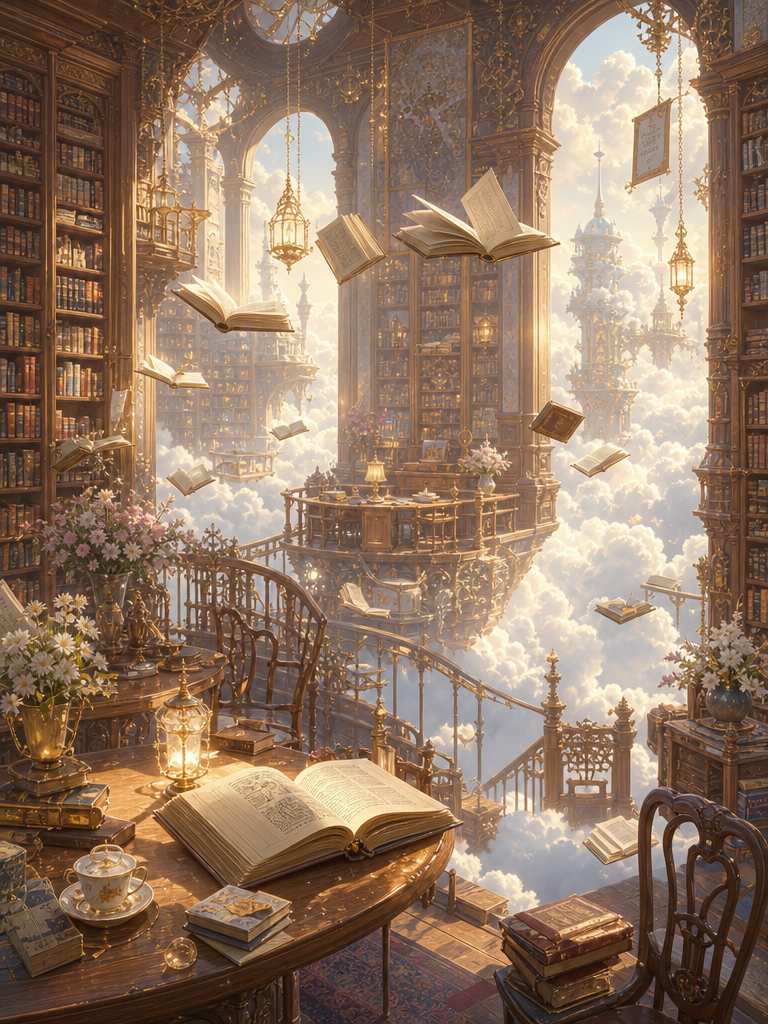
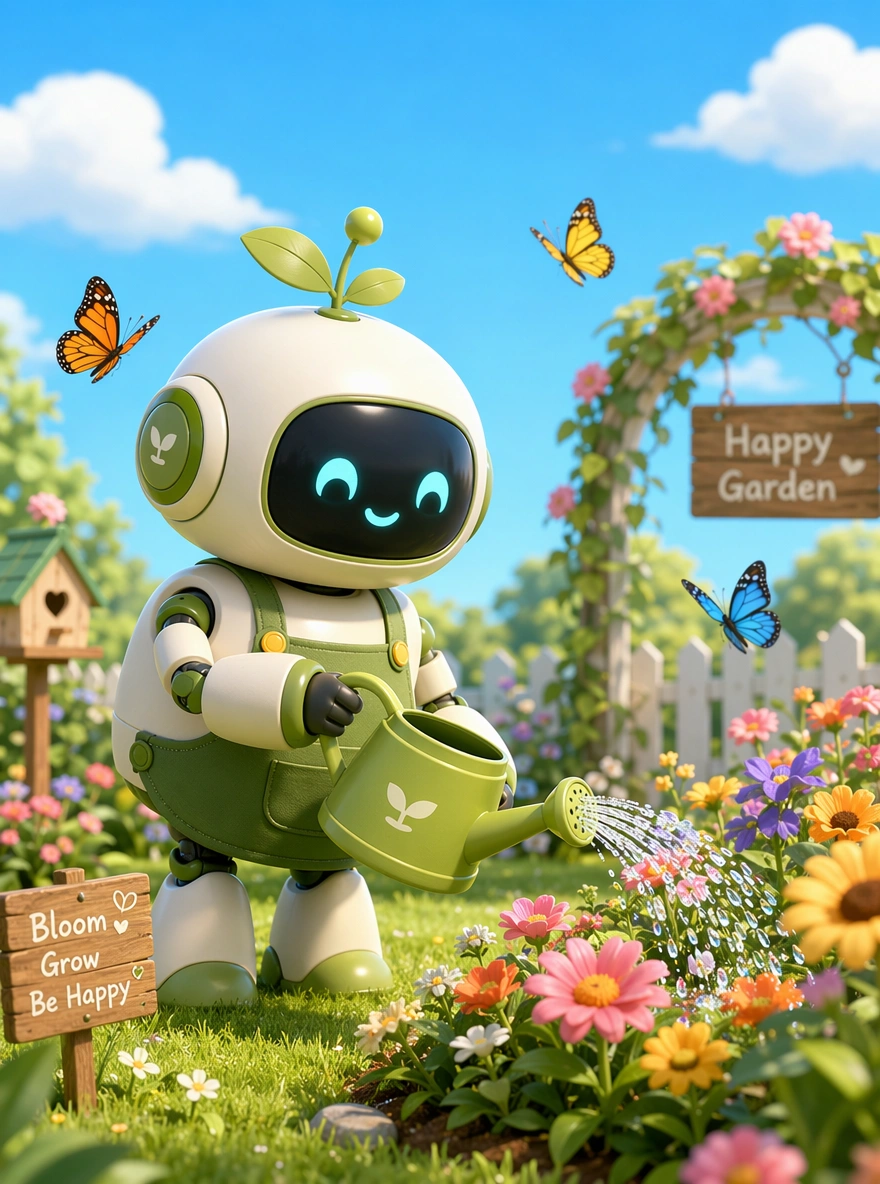
Try preset looks from the home gallery and jump into AI Image to Image with prompts ready to go.
Multi-reference mode
When your brief needs multiple sources, upload up to three references and guide the model with one prompt.
Inline previews
Inspect results where you generated them — fewer tabs, faster decisions.
Model selection
Pick routes tuned for image editing and generation so outputs match your creative goal.
Transparent credits
See cost before you run; one wallet powers every image tool.
Download-ready outputs
Grab files when previews look right — optimized for sharing or downstream editing.
What Creators Say
Creators using LucerImage's AI image generator.
We iterate looks with AI Image to Image before publishing — same credits, same checkout. Huge time saver.
David Chen, Founder of AIWallpaper.shop
David Chen
Founder of AIWallpaper.shop
I use AI Image to Image for rapid wardrobe and lighting explorations — the loop feels natural.
Rachel Kim, Fashion Photographer
Rachel Kim
Fashion Photographer
I wanted one place for thumbnail stills and social creatives. LucerImage keeps image tools in one clean workspace.
Marcus Thompson, Solo Developer
Marcus Thompson
Solo Developer
Product heroes with AI Image to Image — fast variations without reshooting every SKU.
Sofia Garcia, E-commerce Store Owner
Sofia Garcia
E-commerce Store Owner
Prompt-first editing means I iterate in words, not endless sliders. Preview and download keeps my posting cadence up.
James Wilson, Content Creator
James Wilson
Content Creator
From concept stills to polished outputs in minutes — we validate creative directions before booking real shoots.
Anna Zhang, Startup Founder
Anna Zhang
Startup Founder
FAQ: AI Image Generator
More questions? Reach out via the contact options in the footer.
Start with AI Image to Image
Upload a reference, describe your edit, generate, preview, and download — free online. Need more runs? Top up on Pricing.